|
<< Click to Display Table of Contents >> XDAM Upload Tool |
  
|
|
<< Click to Display Table of Contents >> XDAM Upload Tool |
|
XDAM Upload for Mac is the new and enhanced version of our Live Upload Tool.
The new version has the following enhancements:
| • | New upload UI option in the Live Application. |
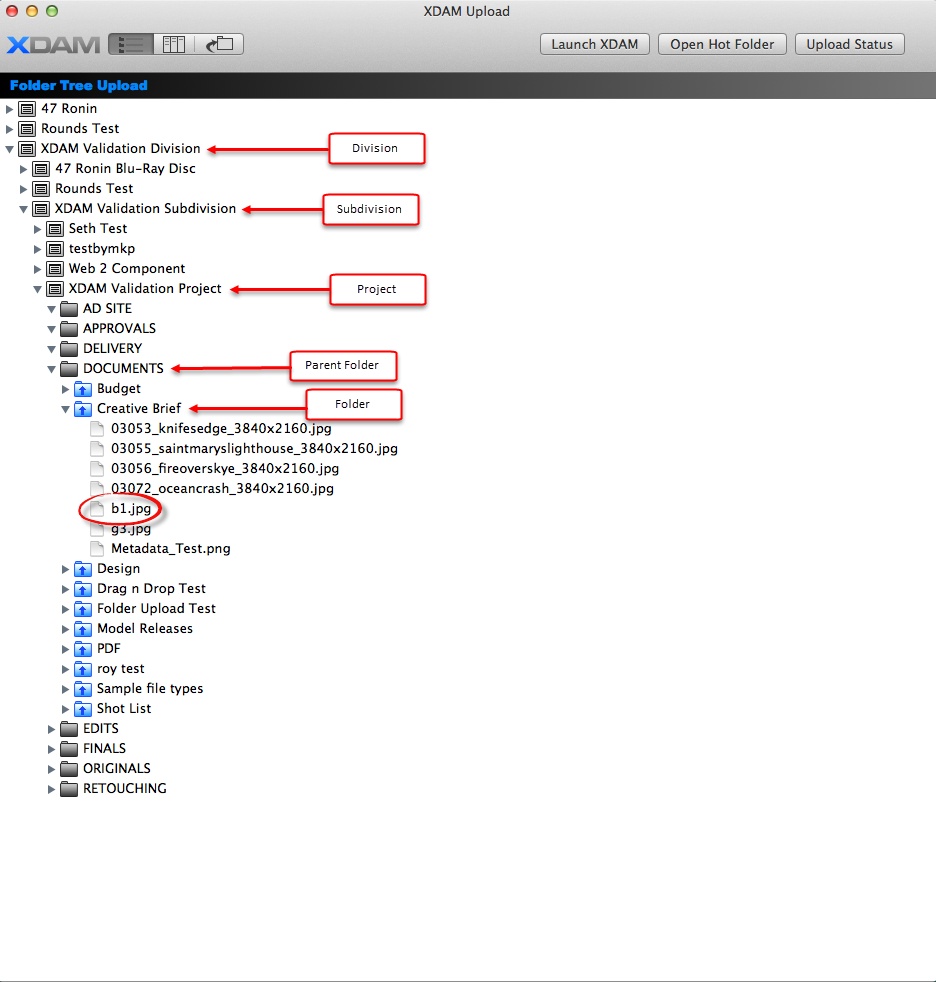
| • | It shows types of Folders with different graphics. |
| • | The user can scroll to view the entire tree. |
| • | It has the ability to open multiple folder branches - Divisions, Subdivisions, Projects, Parent Folders and Folders. |
*This will allow quick drag and drop to various levels in the XDAM system.
The features below were retained from the current functionality of the Live Upload tool:
| • | Drag and Drop folders to parent folders. |
| • | Drag and Drop files to folders. |
| • | Simultaneous upload to multiple parent folders and folders. |
Note:
The new upload tool does not include a local computer folder tree, download or copy/move.
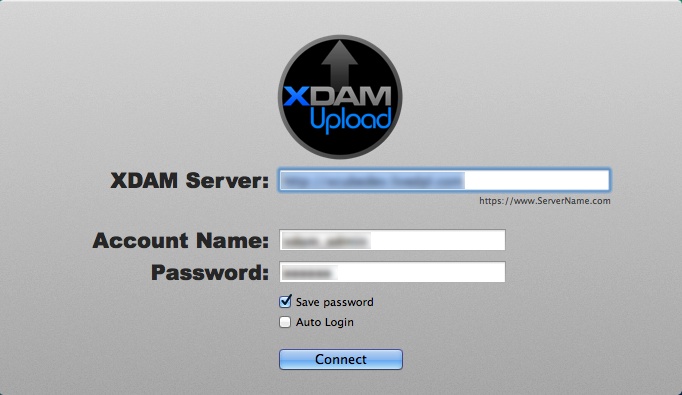
Log in Page
The log in page UI remains the same with the new logo.
| ✓ | Enter your Server name, Account name and Password. |
| ✓ | Click Connect. |
New User Interface
The icon highlighted is the new upload UI option. This will launch the folder tree of a particular division.

Expanding the folder tree will let you drill down to a specific file.
Uploading a File or a Folder
| • | Drag and Drop the file to a folder. |

| • | Drag and Drop a folder to a Parent Folder. |

NOTE: You can launch the progress bar by clicking the Upload Status button on the top right corner of the window.